Footage & storage
How to give CCTV footage to NSW Police or your insurer
Save the clip before it overwrites, check your camera's clock, get an event number, then hand over the original file. Step by step for NSW Police and insurers.
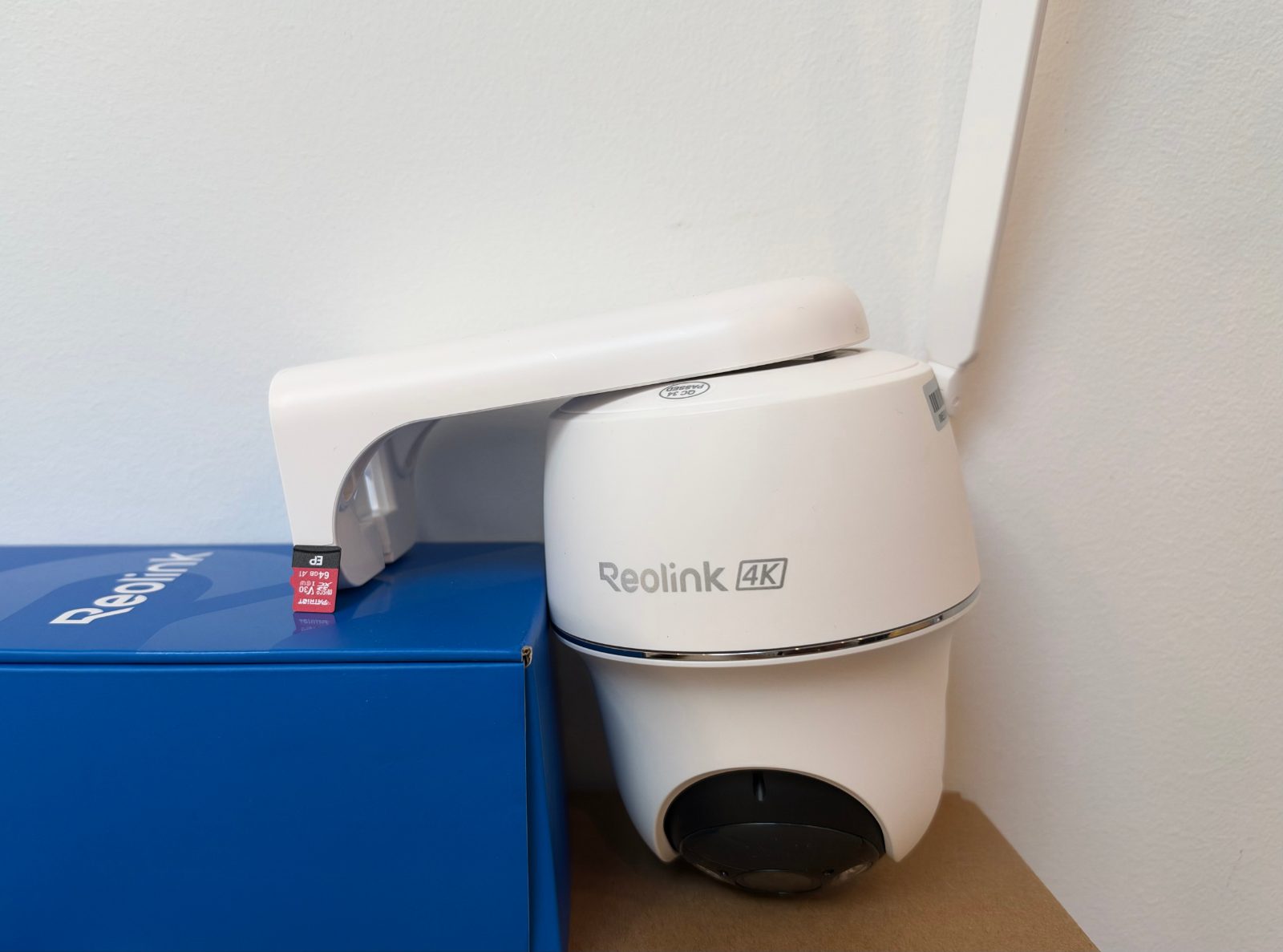
To give CCTV footage to NSW Police, first save a full-quality copy of the clip off the camera before it gets overwritten. Then report the incident (Triple Zero if it's happening now, otherwise the NSW Police Community Portal or 131 444) and keep the reference and event numbers. When police contact you, they'll tell you how they want the file, and they'll want the time window, whether your camera's clock is accurate, and where the camera points.
Your insurer needs the same file and the police event number. The steps below suit wire-free cameras such as Reolink, Eufy, Arlo, Ring and Tapo.
Step 1: Save the clip before it overwrites
Do this first, ideally the same day. Most home cameras record to a memory card that loops: when it's full, the oldest clips are deleted to make room. Cloud plans work the same way, just on a timer.
How long you have depends on how busy the camera is. In our own testing, real cameras were triggered between 34 and 135 times a day, far more than the 10–15 people often guess. A 64GB card holds around 6 months of motion recordings on average, but a camera facing a busy street cycles much faster. One camera with a cobweb in front of the lens made over 9,000 recordings, nearly 1 TB, in a few days.
While you're saving the footage:
- Don't format the card, factory reset the camera or delete "junk" clips around the incident.
- Download at the highest quality. In the Reolink app, switch the stream to Clear before downloading. Otherwise recordings download in the lower-quality Fluent mode by default.
- Save more than the key moment: a few minutes either side, plus clips from your other cameras for the same period. The Reolink app downloads one recording at a time, up to 120 seconds each, so you may need several downloads to cover the window.
- If clips are in a cloud plan, download them now rather than relying on the retention period.
- Copy the files from your phone to a second place (a computer, USB stick or cloud drive) straight away.
If the camera itself was stolen or smashed, any clips stored only on its card went with it. That's the main argument for an off-site copy, covered below.
Step 2: Check your camera's clock and note any difference
Police care a lot about time. The CCTV statement template NSW Police publish for retailers asks the person handing over footage to confirm they checked the system's time and date, and whether the footage is accurate or ahead or behind by a stated number of hours and minutes.
You can do the same at home in two minutes:
- Open the live view and compare the timestamp on screen with your phone's clock.
- Write down the difference, for example "camera is 1 hr 3 min behind", before you change anything.
- Then fix it using the app's time sync setting. In the Reolink app it's "Synchronize phone time" in the device settings.
Check daylight saving in particular. Sydney's clocks went forward on 4 October 2026, so a camera that's exactly one hour out is usually a daylight saving setting. Police can work with a known offset. What causes trouble is an offset nobody noticed.
NSW Police statement templates also include a declaration that generative AI wasn't used in the statement or any attached exhibits. So hand over the footage exactly as recorded. Don't run it through an "enhance" app, add filters or trim it in an editor.
Step 3: Report it and get an event number
Which channel you use depends on what's happening. This is how NSW Police describe the options on their reporting page:
| Situation | How to report |
|---|---|
| Crime in progress, suspect still there, or someone in danger | Call Triple Zero (000) |
| Already happened, no urgent police attendance needed | NSW Police Community Portal online, the Police Assistance Line on 131 444, or your local police station |
| You have information about a crime and don't want to give your name | Crime Stoppers, 1800 333 000 |
| Police have put out an appeal for footage | Use the upload link or contact details in the official appeal |
The Community Portal currently takes three report types: lost property, intentional damage or graffiti, and theft. That covers a stolen parcel, a keyed car or a tagged fence. For a break-in, calling 131 444 is often simpler, as the Police Assistance Line takes break and enter reports by phone 24/7.
Reference number vs event number
When you submit an online report you get a reference number by email straight away. You only get an event number once police have reviewed and accepted the report. Insurers usually want the event number, so watch for that second email.
NSW Police also say that for online report types, without further information or evidence, they will take no further action. So state clearly in the report that you have camera footage, the time window it covers and how to reach you. You can add information to an existing report later through the portal.
Step 4: Hand the footage over the way police ask
Wait for the officer handling your report to tell you the format. It's usually one of these:
- An upload link. NSW Police run public footage appeals through an online evidence submission portal. Only use links that come from the officer or an official NSW Police channel.
- A USB stick or other copy collected by, or dropped off to, police.
- An officer viewing it at your place first, then arranging a copy.
Whatever the method, give police the original exported files. Not a screen recording, not a clip squashed through a messaging app, not an edited highlight. Stills are fine as extras, but not instead of the video.
Put a short note with the files:
- Your name, phone number and the event or reference number
- The address and camera position, e.g. "front porch, about 2.4 m high, facing the street towards the bus stop"
- The time window covered, and the clock offset from Step 2
- Camera brand and model, and whether the clip came from the memory card, cloud or a hub
- When you exported it, and the name of the officer you gave it to
Keep your own copy of everything you hand over, and get the footage to police before you think about posting it anywhere.
Giving footage to your insurer
Insurers need the same things in the same order. Moneysmart's guide to making a home insurance claim says to contact your insurer as soon as practical, even before you know the full extent of the damage, and warns that some policies have time limits for lodging a claim. If the damage was caused by criminal activity, it says to contact police as well.
For the claim itself:
- Lodge through the insurer's app or website if you can. Give them the police event number (not just the portal reference number), and upload the same original clip you gave police plus a couple of clear stills.
- Photograph the damage before anything is moved or repaired, including before minor emergency fixes.
- Write a one-line summary for each clip, e.g. "Front camera, 2:14–2:19 am, person removes bike from side passage."
- Keep the full original files. If the insurer appoints an assessor, they may ask for a longer section.
Moneysmart also notes that insurers who subscribe to the General Insurance Code of Practice should respond to a claim within 10 business days and, except in a few circumstances, decide within 4 months.
Keep a copy off the camera
The weak point in most home setups is that the only copy of the footage sits inside the camera, mounted where the person you recorded can reach it. A card can also be overwritten, corrupted, or taken with the camera.
A sensible setup keeps two copies: the camera's card, plus something off-site. For Reolink owners, our WireFree Cloud uploads each recording over an encrypted connection to storage in Sydney. You can mark a recording to keep for up to 12 months, which helps while a police matter or claim drags on, and invite someone else, such as a partner or business manager, with their own access. Plans start at $3.99 a month for one camera with 90 days of recordings. Not every Reolink model can upload, and some older ones need a Reolink Home Hub.
You can also add your system to the voluntary NSW Police CCTV Register, which records where cameras are across NSW. NSW Police state that registering does not mean you consent to supplying footage, so you still decide case by case.
Set your cameras up now so the next clip is usable
Footage is only useful if it shows the right thing, at the right time, in enough detail. A quick check:
- Clock synced and daylight saving correct (see Step 2).
- Recording quality set to the high-resolution stream, not a low-bandwidth mode.
- Detection tuned. Person-only detection plus a detection zone cut one busy business driveway camera's recordings by about 97%, from about 1,300 a day to under 40. Fewer junk clips means important ones stay on the card longer and are easier to find.
- Lens clean and clear of cobwebs, leaves and glare.
- Height and angle that catch faces at the door, not just the tops of heads. A video doorbell is often the best camera for this; see our video doorbell installation page.
If a camera keeps dropping offline, its clock drifts or clips are missing from the timeline, sort that out before you need the footage. Our Wi-Fi camera troubleshooting page covers the usual causes, and shops and cafés can find more on our small business cameras page.
The short version
Save the full-quality clip today and copy it off your phone. Check the camera clock against your phone and write down any difference. Report the incident, keep the reference number and wait for the event number. Hand over the original, unedited file the way the officer asks, with a short note on camera position and time window. Then send the same file and event number to your insurer.
This is general information, not legal advice. For your specific situation, ask the officer handling your matter or get independent legal advice.
Common questions
Do I have to give my security camera footage to NSW Police?
Usually police ask, and most people choose to help. Whether you can be required to hand footage over depends on the circumstances and any legal powers involved, so ask the officer or a lawyer about your situation. NSW Police do state that registering your cameras on their voluntary CCTV Register does not mean you consent to supplying footage. This is general information, not legal advice.
Should I post the footage on Facebook or a community group?
Give it to police first. Posting a clip of an identifiable person can cause problems if it turns out to be the wrong person, or if it gets in the way of an investigation. Social media posts also aren't a police report, so they won't get you an event number for insurance. If police want public help identifying someone, they can run their own appeal. Keep the original file safe whatever you decide.
What if the thief stole the camera or the memory card?
Any recordings stored only on that card are gone. Check whether clips also went to a cloud service, a home hub, or your phone's notification history, and download whatever survives straight away. Report the theft of the camera itself and mention any partial footage you have. For next time, set up an off-site copy, such as a cloud plan, so recordings leave the property as soon as they're made.
Can I give police footage from a Ring, Eufy or Arlo camera?
Yes. The steps are the same for any brand. Use the app's download or save option to get the actual video file onto your phone or computer at the highest quality the app offers, then copy it somewhere else as a backup. Check the camera's timestamp against your phone's clock and note any difference. Don't send a screen recording or a heavily compressed clip from a messaging app.
How long should I keep the footage after reporting?
Keep your own copy until the police matter and any insurance claim are fully closed, and longer if there's any chance of court. Storage is cheap and the clip can't be recreated. Keep it in at least two places, for example a computer and a cloud drive, so one failure doesn't lose it. With WireFree Cloud and Reolink cameras, you can mark a recording to keep for up to 12 months.
Sources
- Reporting - NSW Police Public Site (Business & Retail Safety) — NSW Police Force
- Form 1 - CCTV Statement (Requirement to Provide Information and/or Records) — NSW Police Force
- Form 2 - Victim Statement — NSW Police Force
- Register my business or residential CCTV details — NSW Police Force
- Online Police Reports - NSW Police Force Community Portal — NSW Police Force
- Online Report Statuses - NSW Police Force Community Portal — NSW Police Force
- What can be reported online? - NSW Police Force Community Portal — NSW Police Force
- Police Assistance Line (131444) — NSW Police Force
- How to make a home insurance claim — Moneysmart (ASIC)
- How to Download Recordings via Reolink App — Reolink Support
- Can I Download All Recordings at Once via Reolink App — Reolink Support
- How to Sync the Date and Time of Your Reolink Device with Your Phone via Reolink App — Reolink Support
General information, not legal advice. Prices are “from” prices; your quote depends on the site.